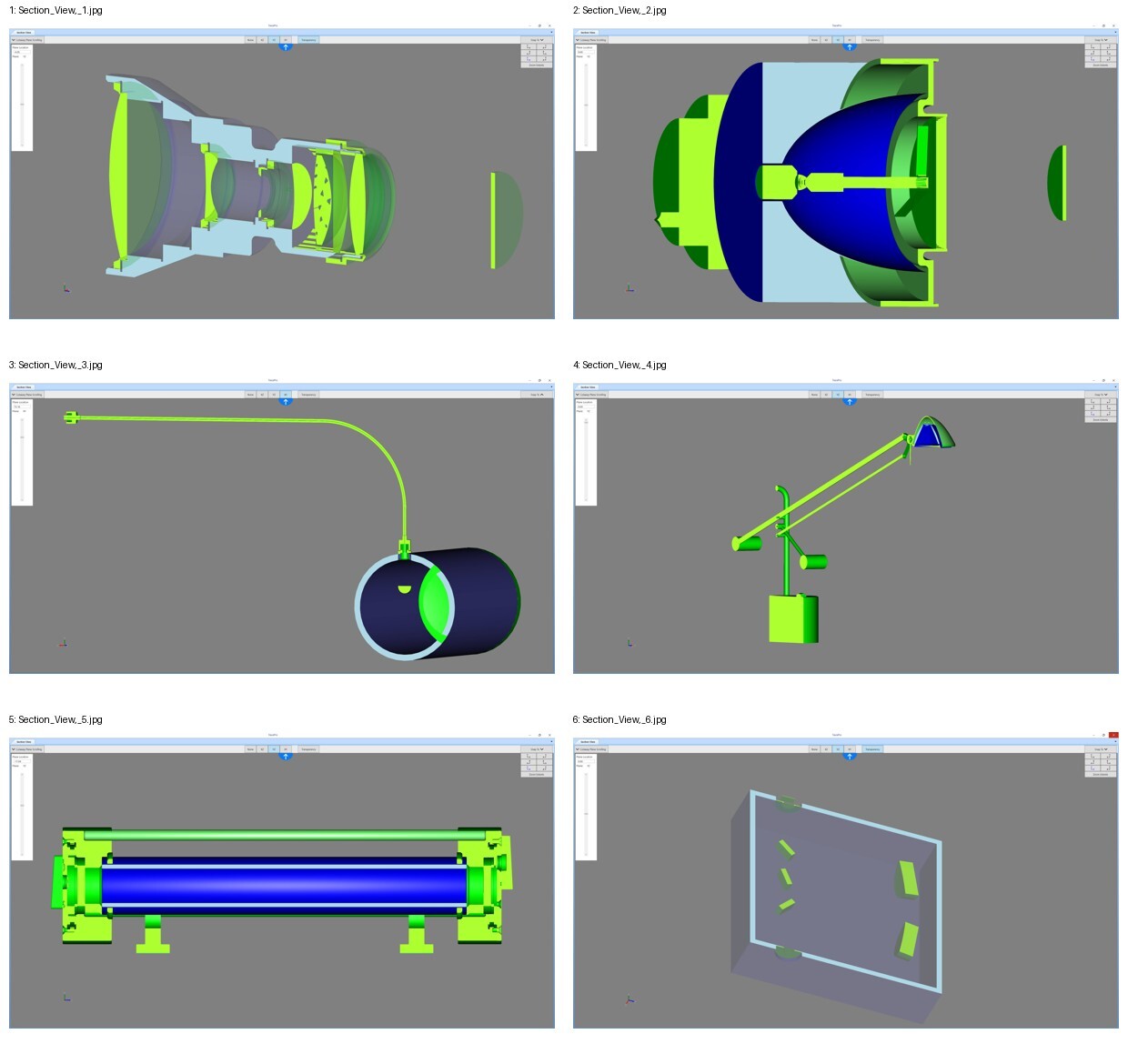
Did you know TracePro has a new Section View capability? The Section View allows you to see a cross-sectional view of your model along different cutting planes. Section View is available in all editions of TracePro.
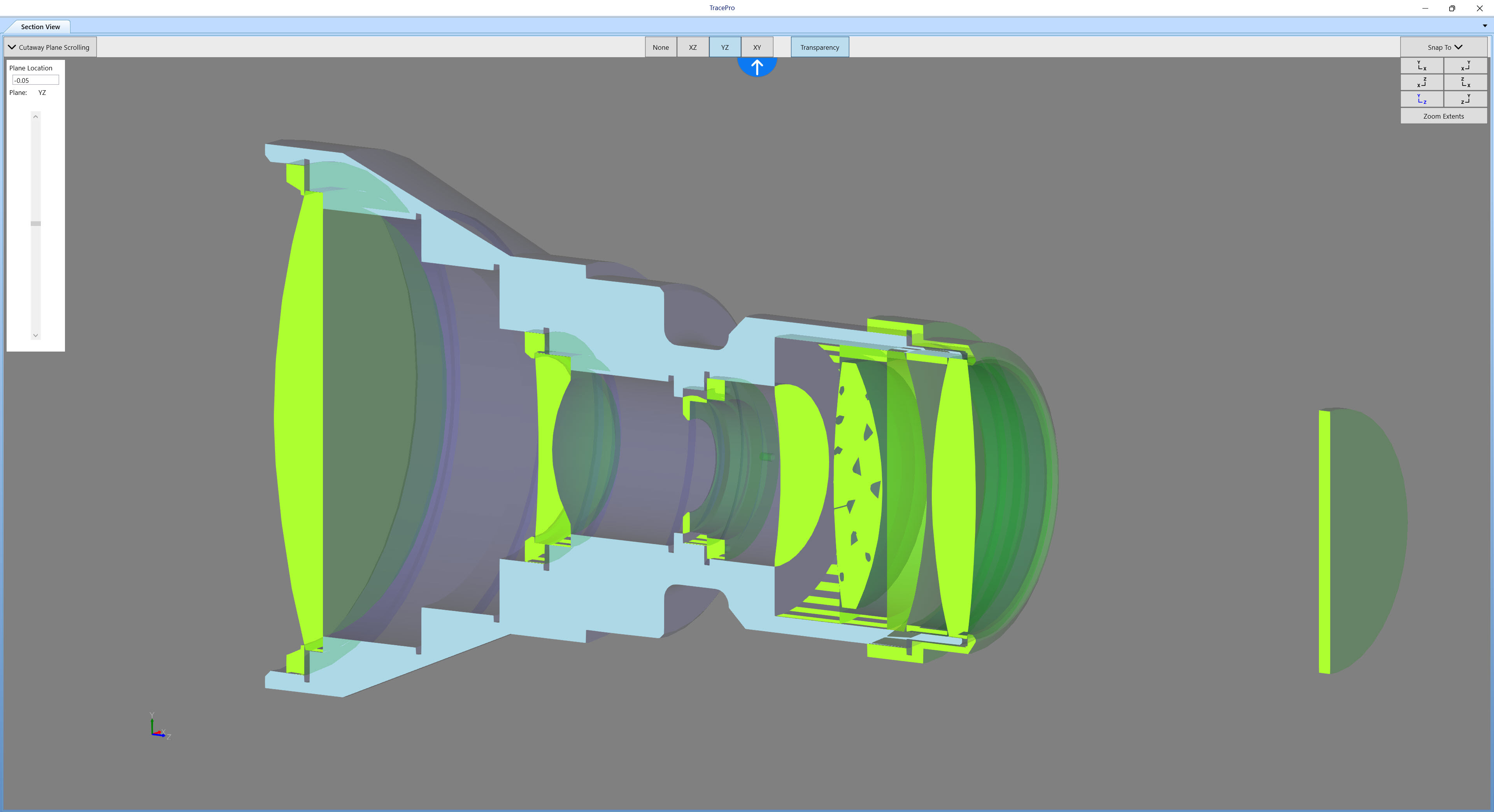
The Section View allows you to see inside your model, making it easier to see and identify parts that may be hidden in the Model View. Three cutting planes are available in the Section View, XZ, YZ, and XY. A slider bar is available to move the section view along the cutting plane in either direction. There is also an option for Transparency in the Section View.
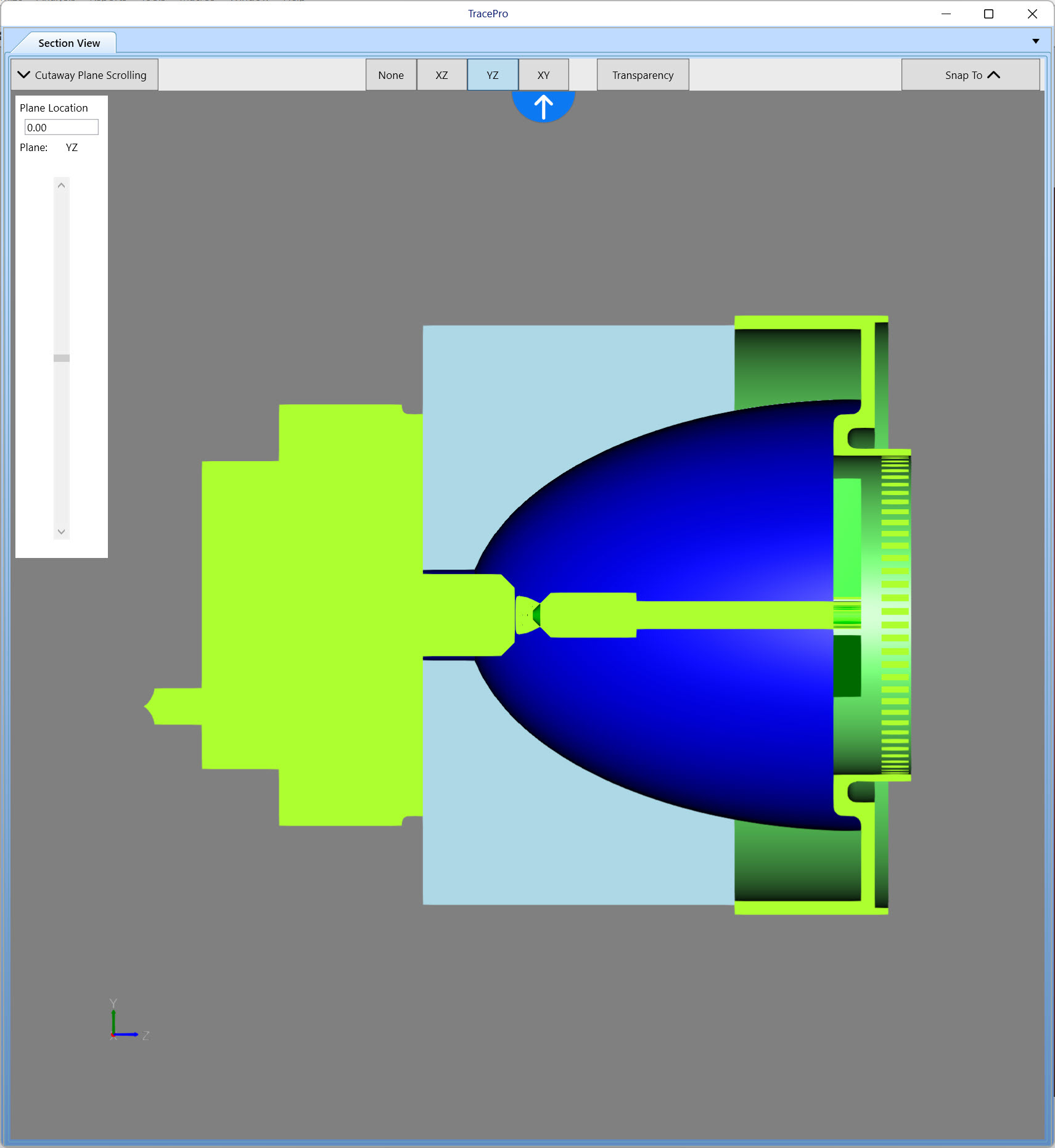
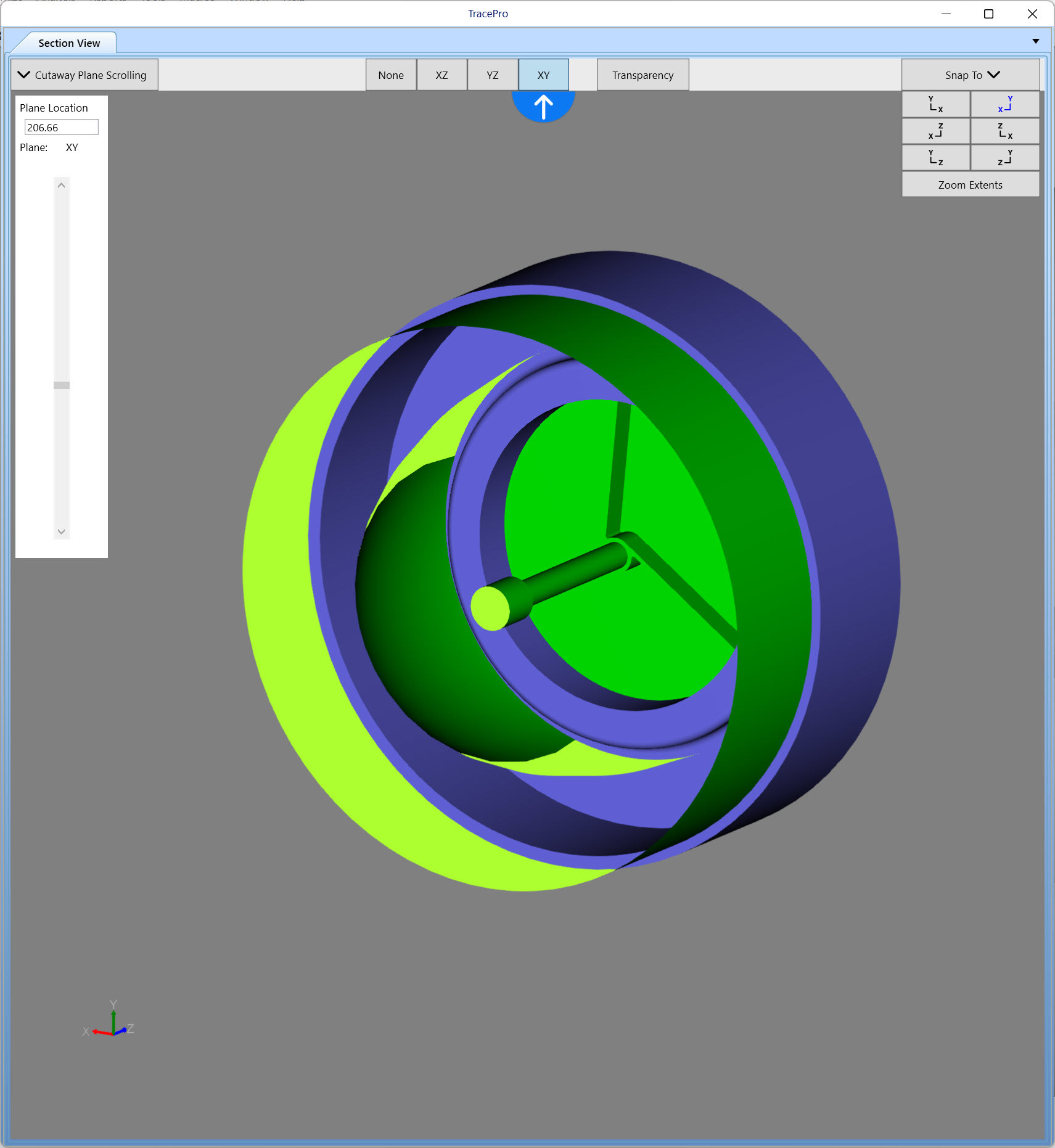
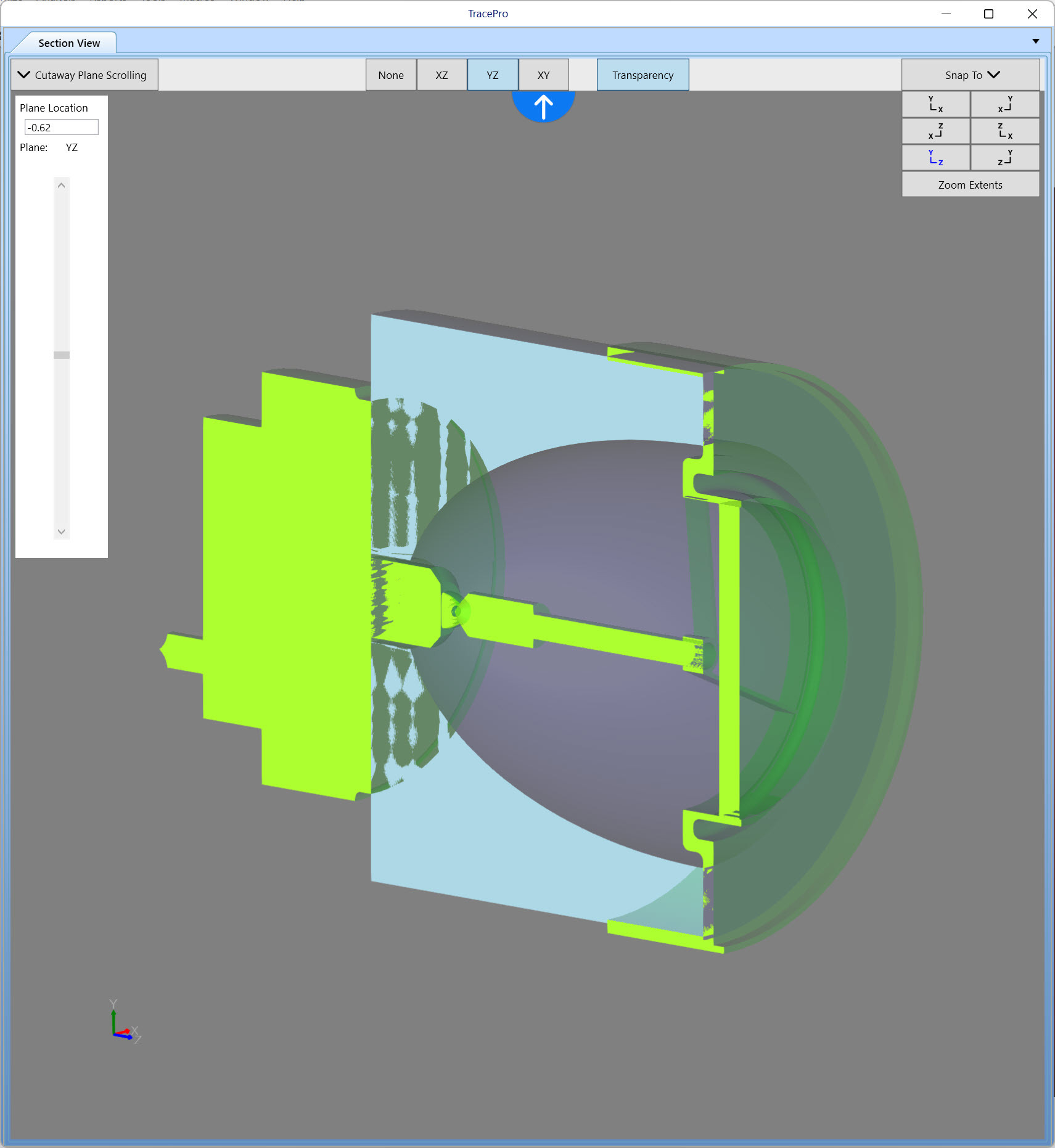
The model can be orbited, zoomed, and panned in the Section View window.
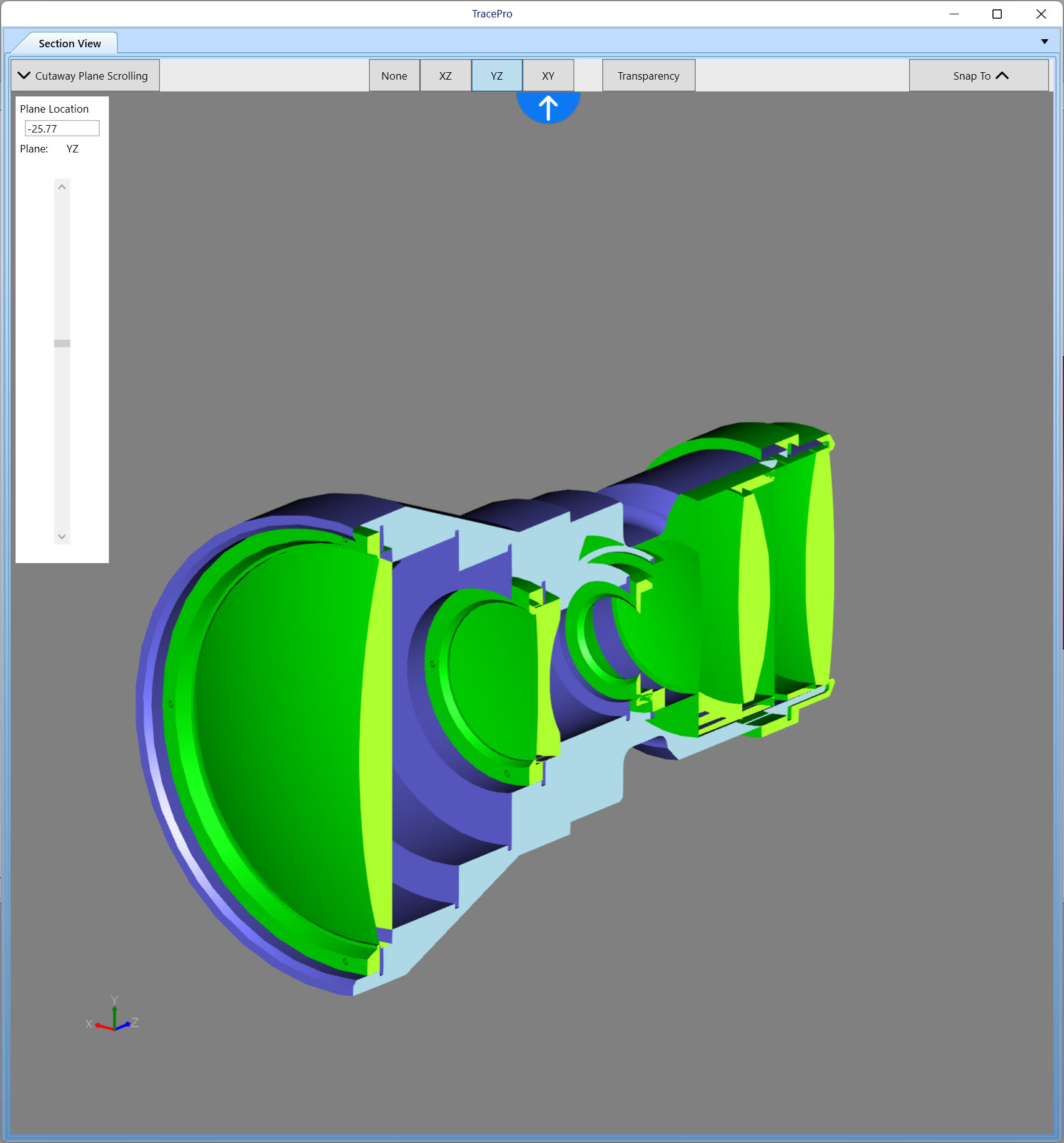
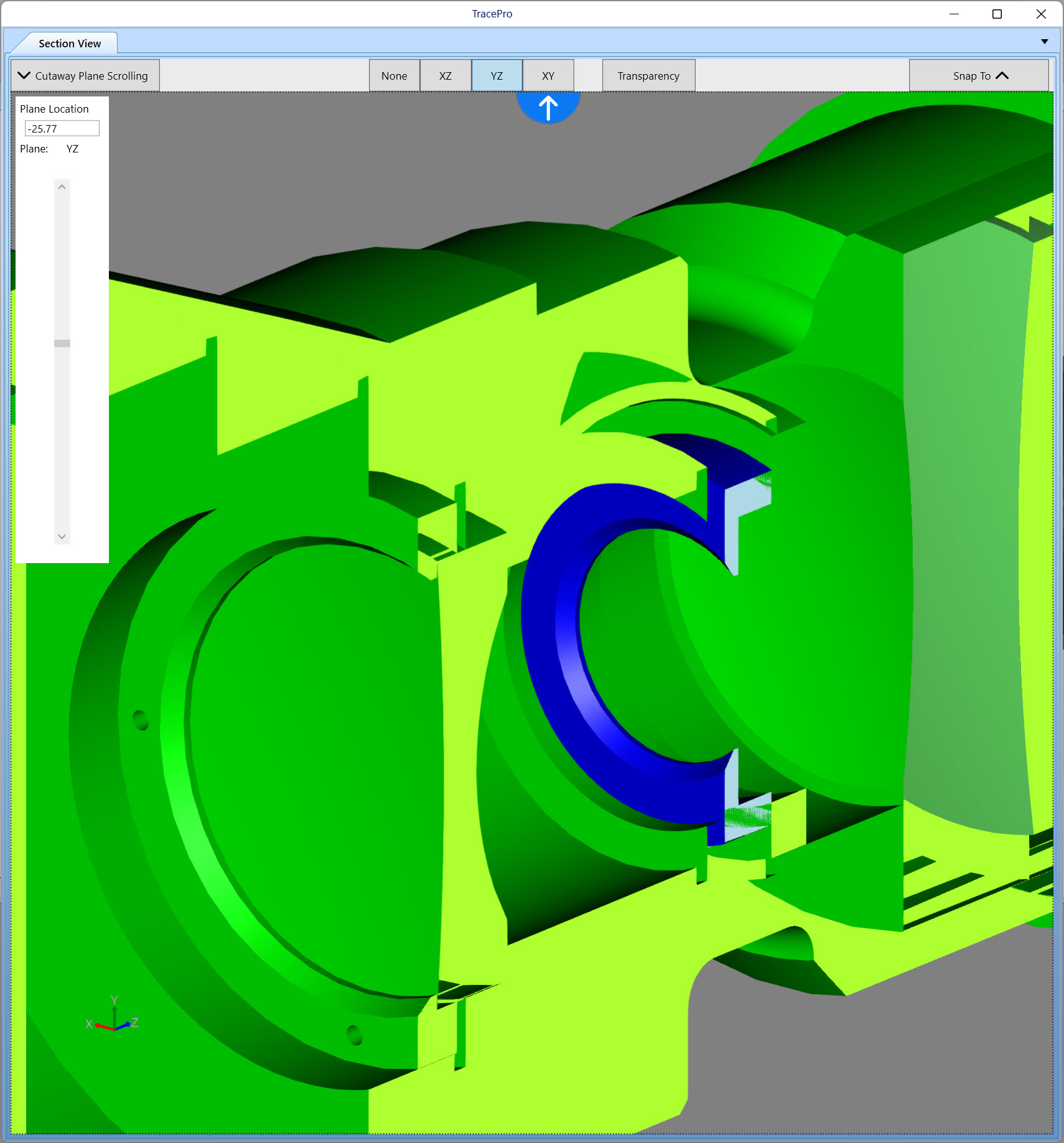
Selecting an object in the Section View window, will highlight the object in a different color, and it will also highlight the object in the Model Window.
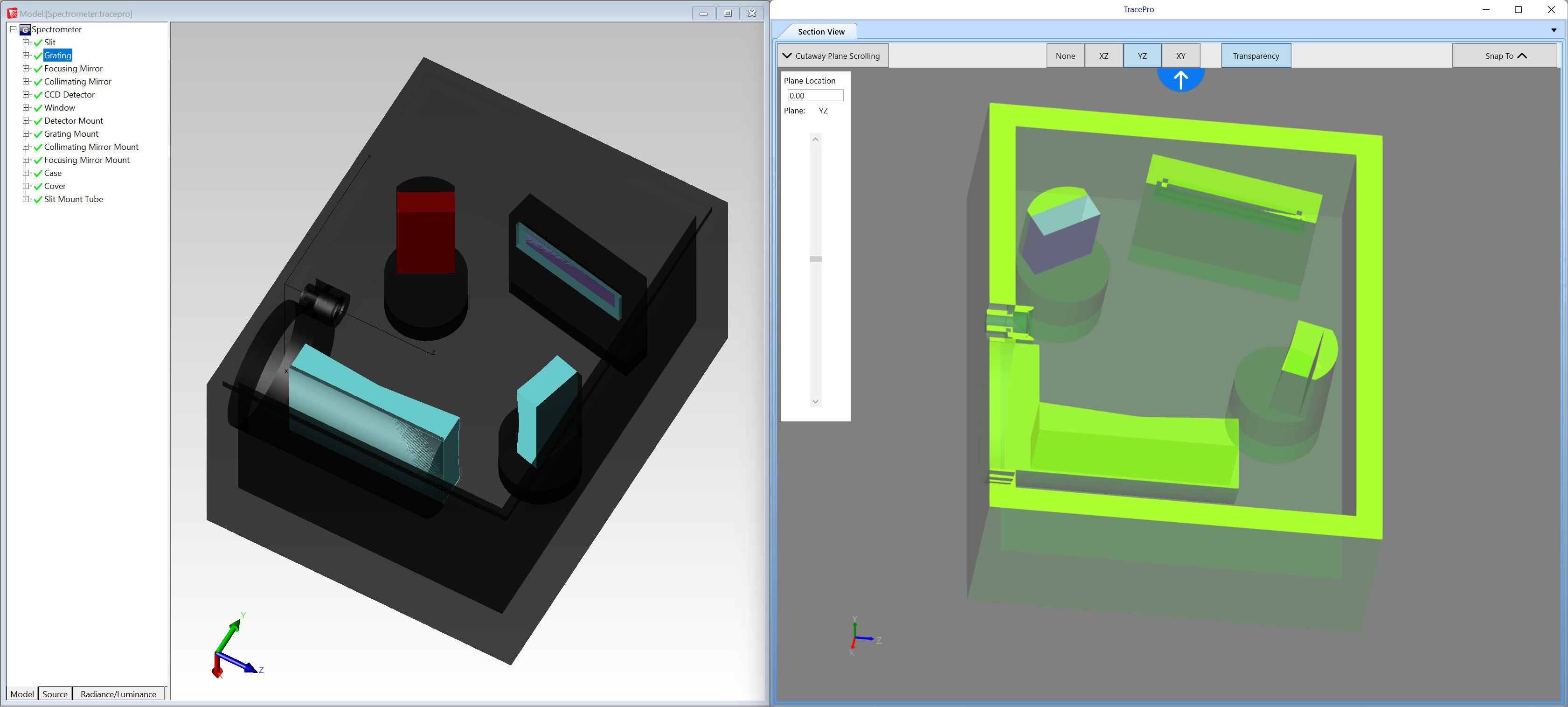
The new TracePro Section View gives you the ability to see your TracePro model in ways you could not before.