
Did you know TracePro features a Ray Colors option?

TracePro Ray Colors gives users the ability to change the displayed ray colors in the TracePro model. The options for Ray Colors in TracePro include Flux-based ray colors, Wavelength-based ray colors, Source-based ray colors, and All rays one color.
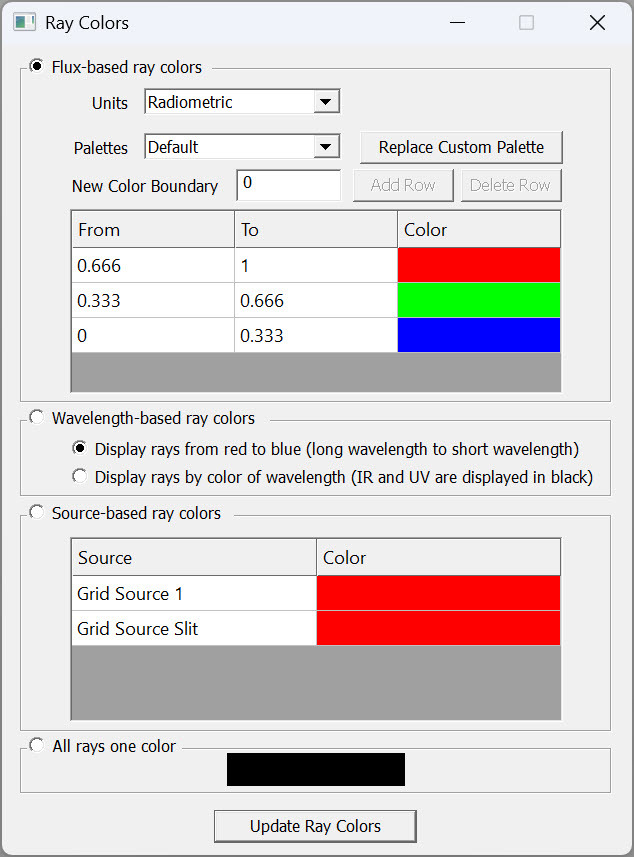
Flux-based ray colors has options for Radiometric or Photometric units as well as several Palette options, including Default, Linear Extended, Exponential Extended, and Custom.
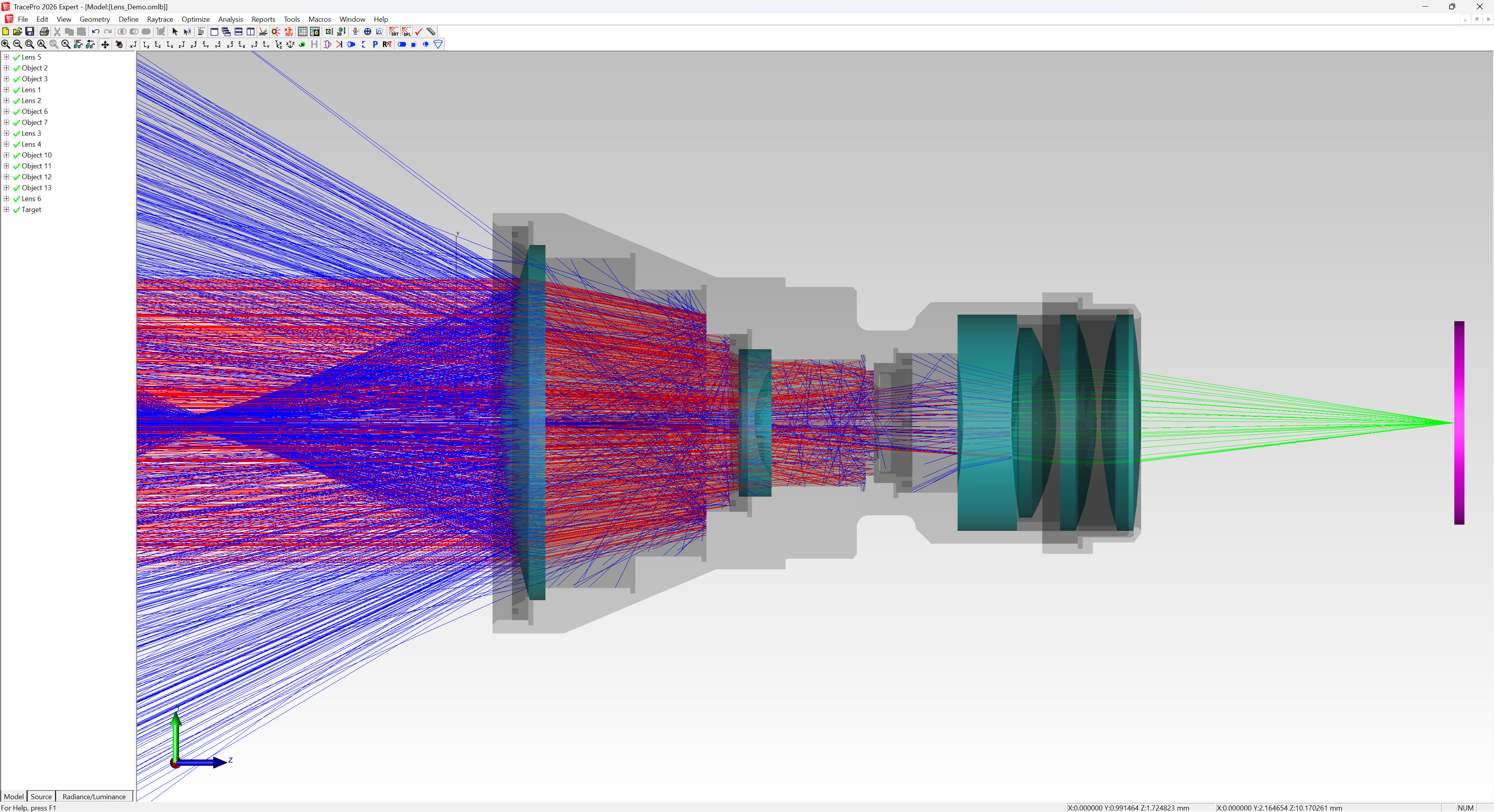
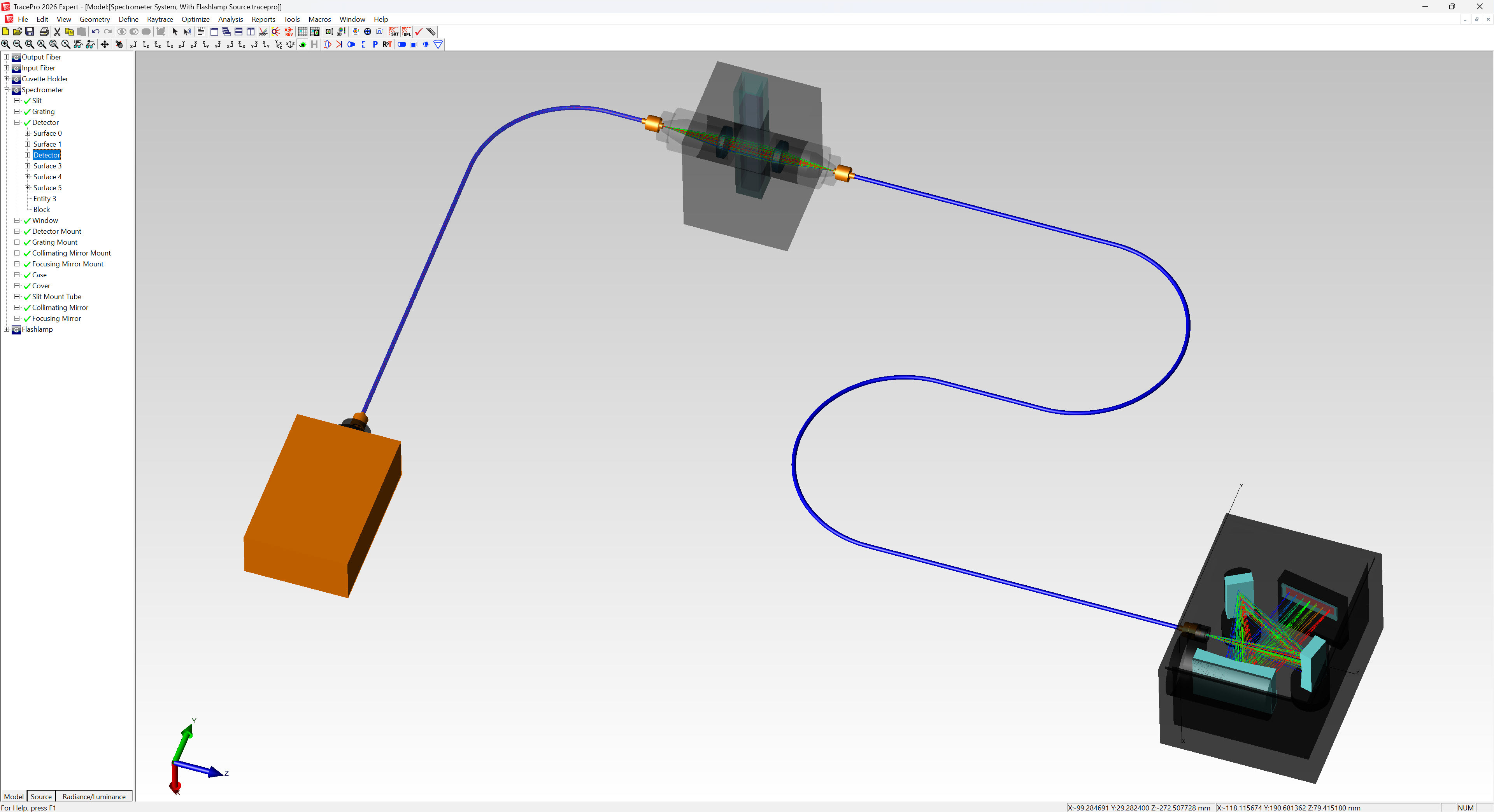
Wavelength-based ray colors are useful in systems where multiple wavelengths of light are raytraced and you would like to see the paths of each wavelength, such as a spectrometer system or an optical system with a dichroic beamsplitter. Wavelength-based ray colors can either display ray colors from red to blue, long wavelength to short wavelength, or ray colors based on the wavelength of the light with IR and UV wavelengths displayed as black.
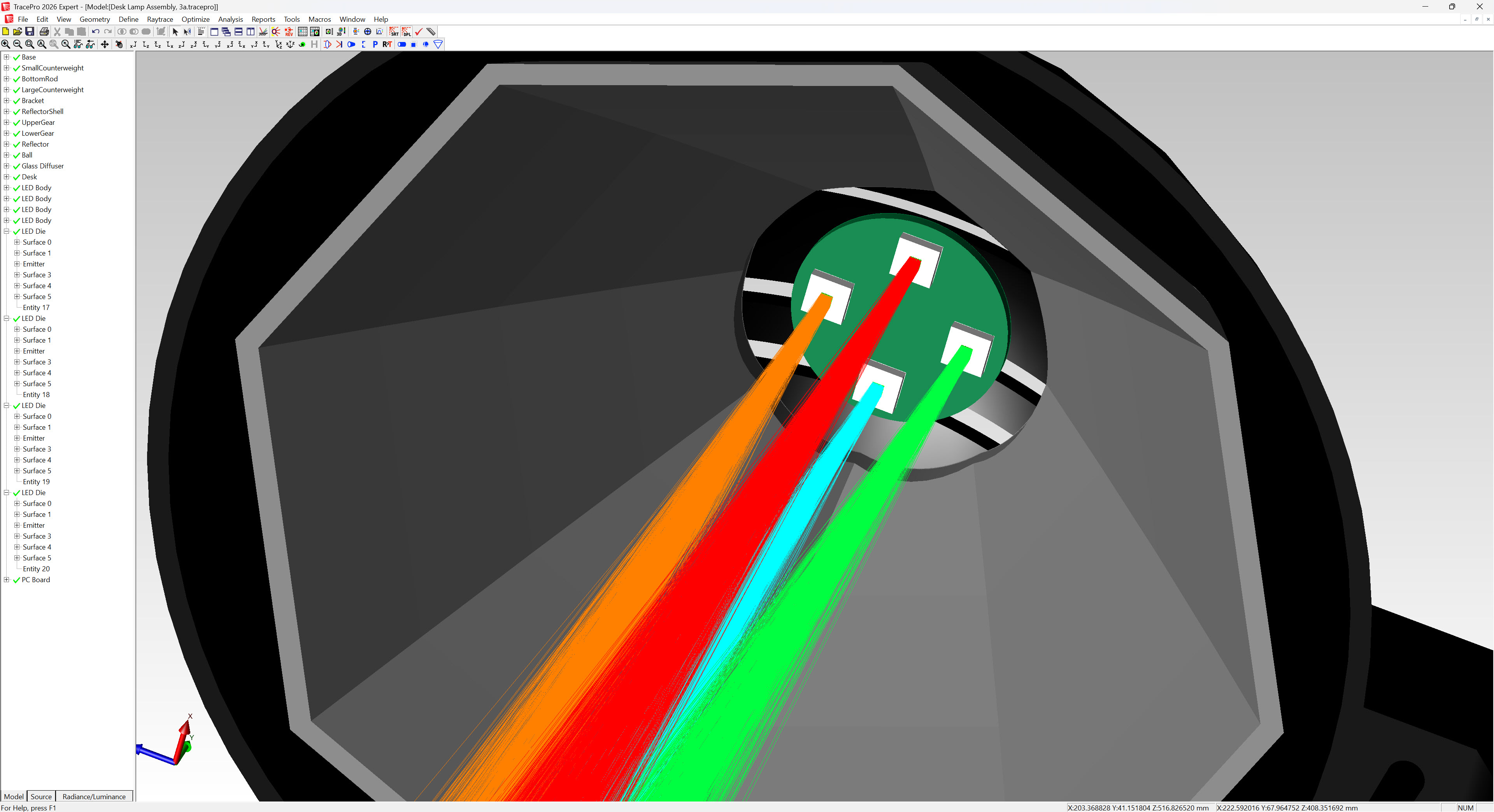
Source-based ray colors is a great option when you have multiple sources in your model and want to see the rays and ray paths for each individual source. Each source can have different color rays.
Ray Colors is an exciting feature that allows users to change the colors of rays in the TracePro raytrace, making it easier to visualize and differentiate the rays and ray paths in TracePro.