
Did you know TracePro features lens design importers? TracePro can import lens design files from OSLO, as well as other lens design programs. This means that you can import your existing and legacy lens designs into TracePro and then use the tools in TracePro for additional analysis or continued design development. Many off-the-shelf and catalog lenses are also available in these file formats.
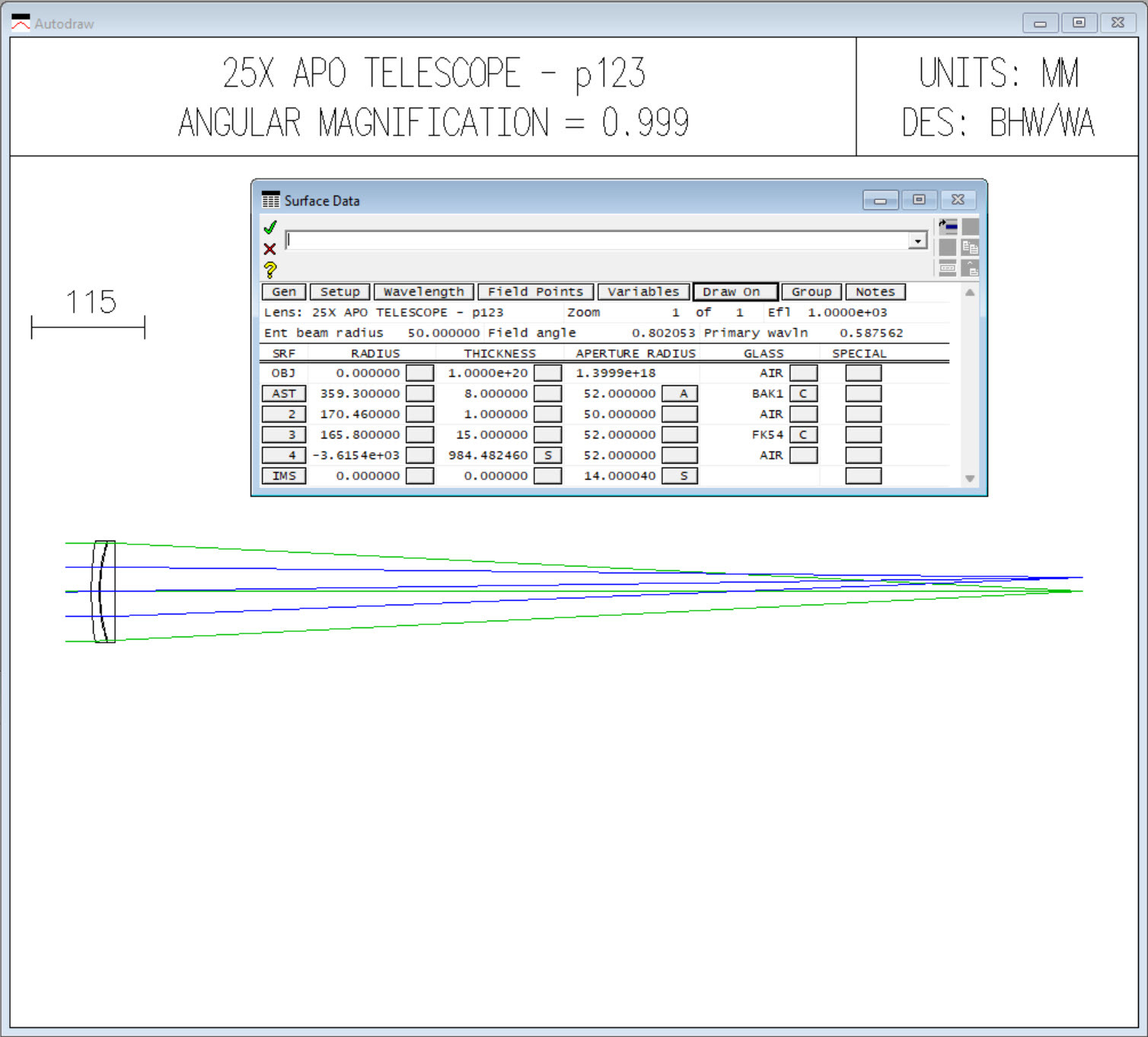
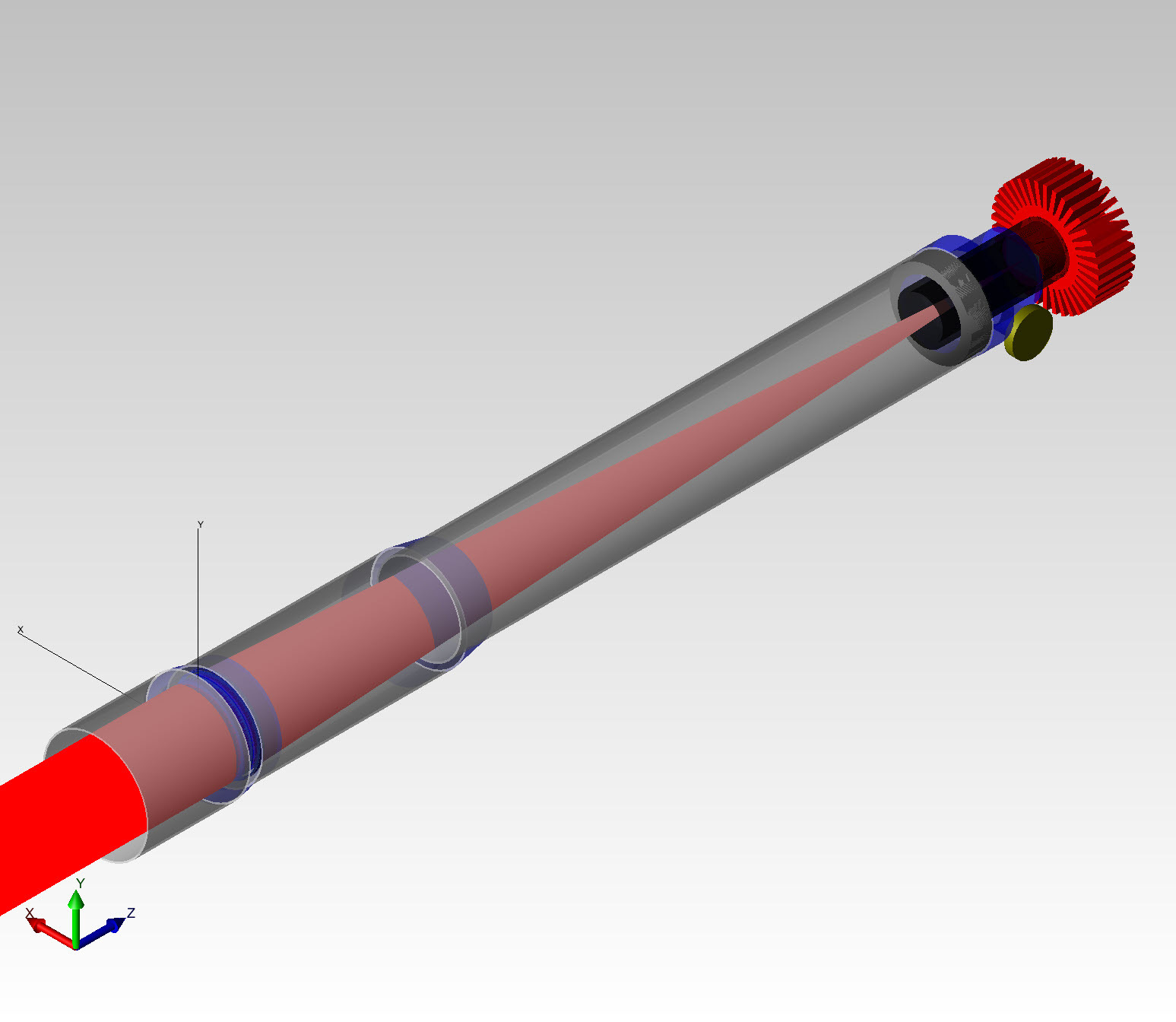
Importing a lens design file into TracePro is easy. Simply go to File->Open and then select the type of lens design file that you would like to import. TracePro can import OSLO, CODE V, and Zemax OpticStudio files. TracePro can import many, but not all files from these programs. In most cases, spherical and aspheric designs as well as multi-configuration systems can be imported.
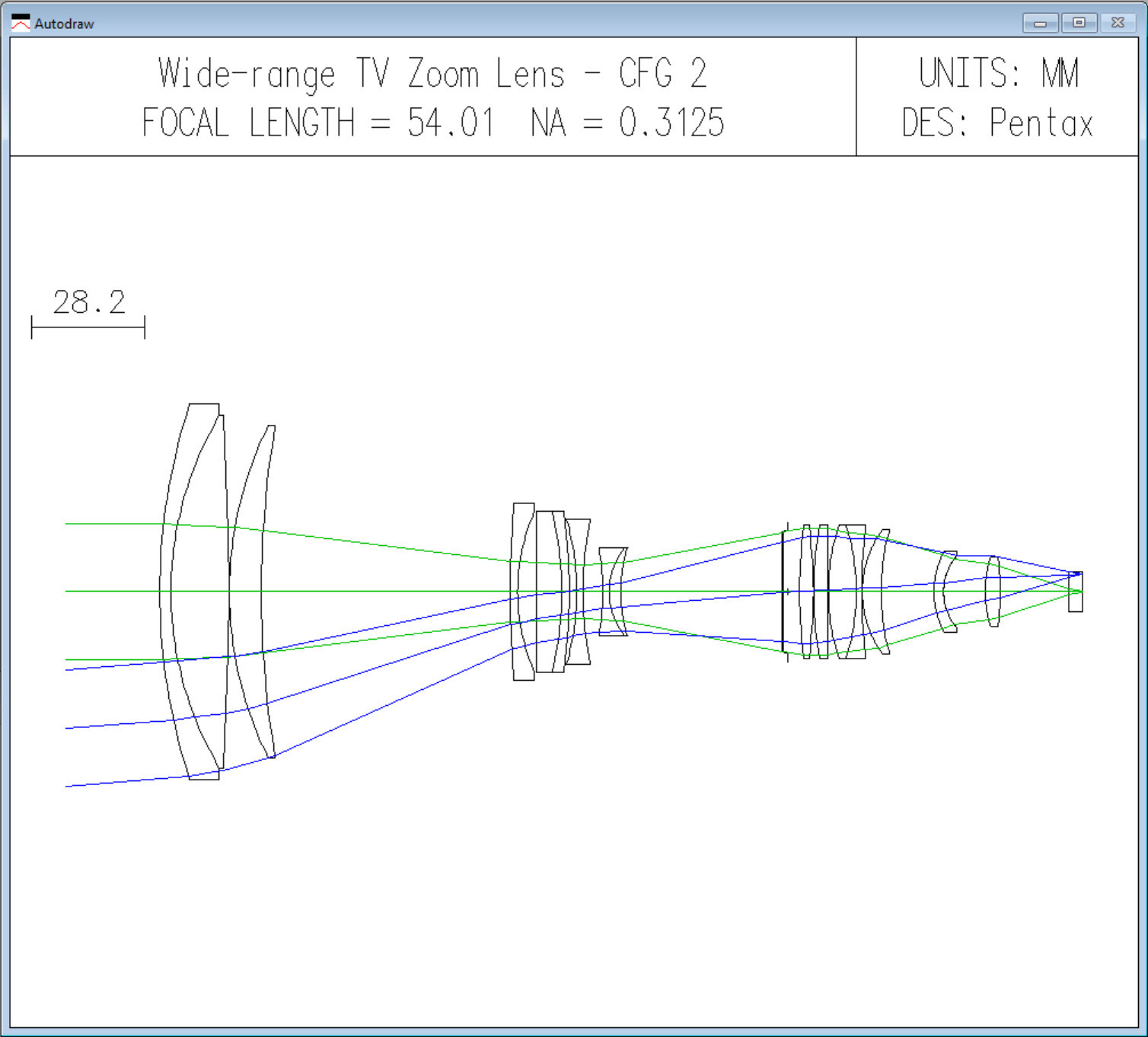
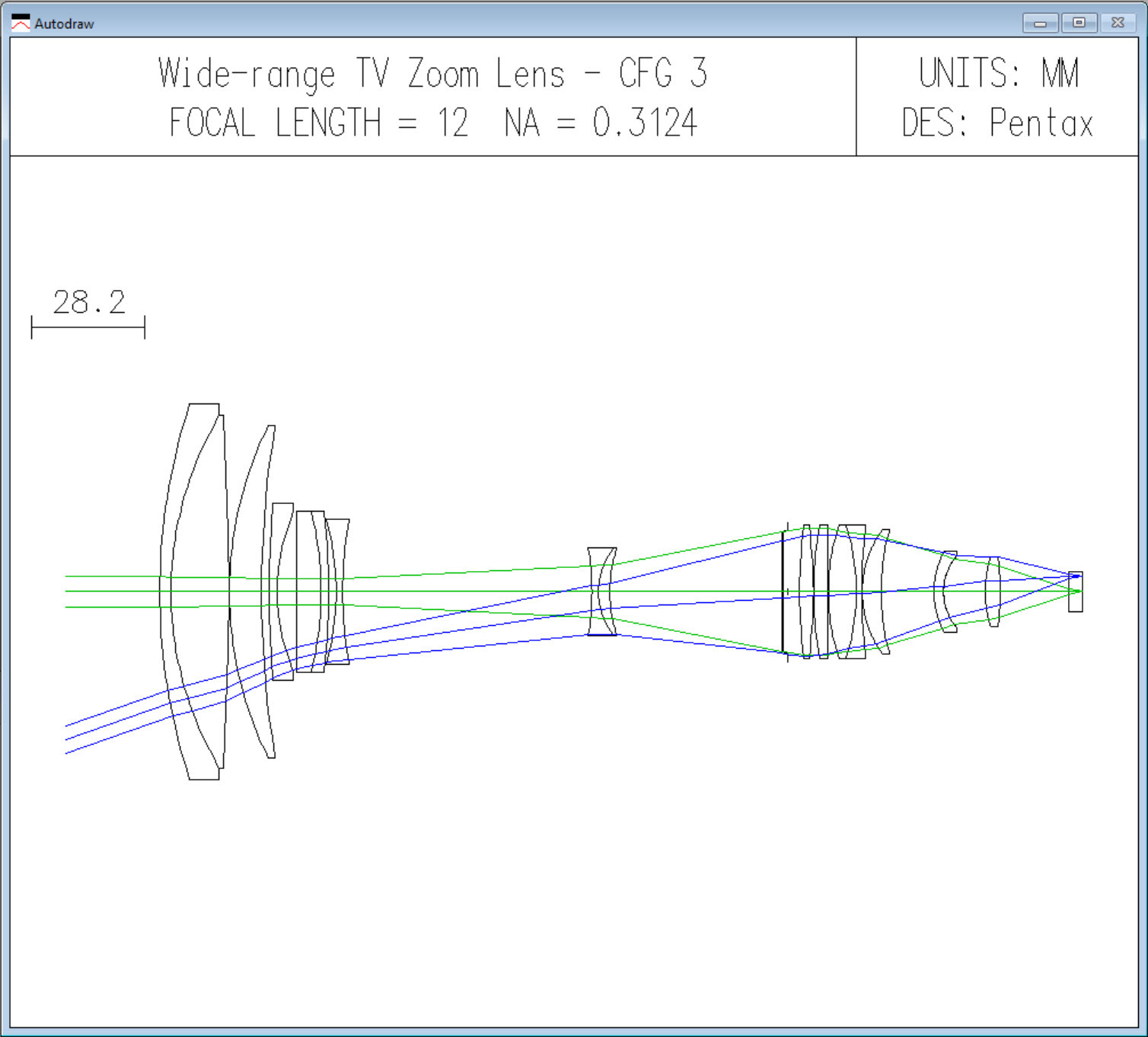
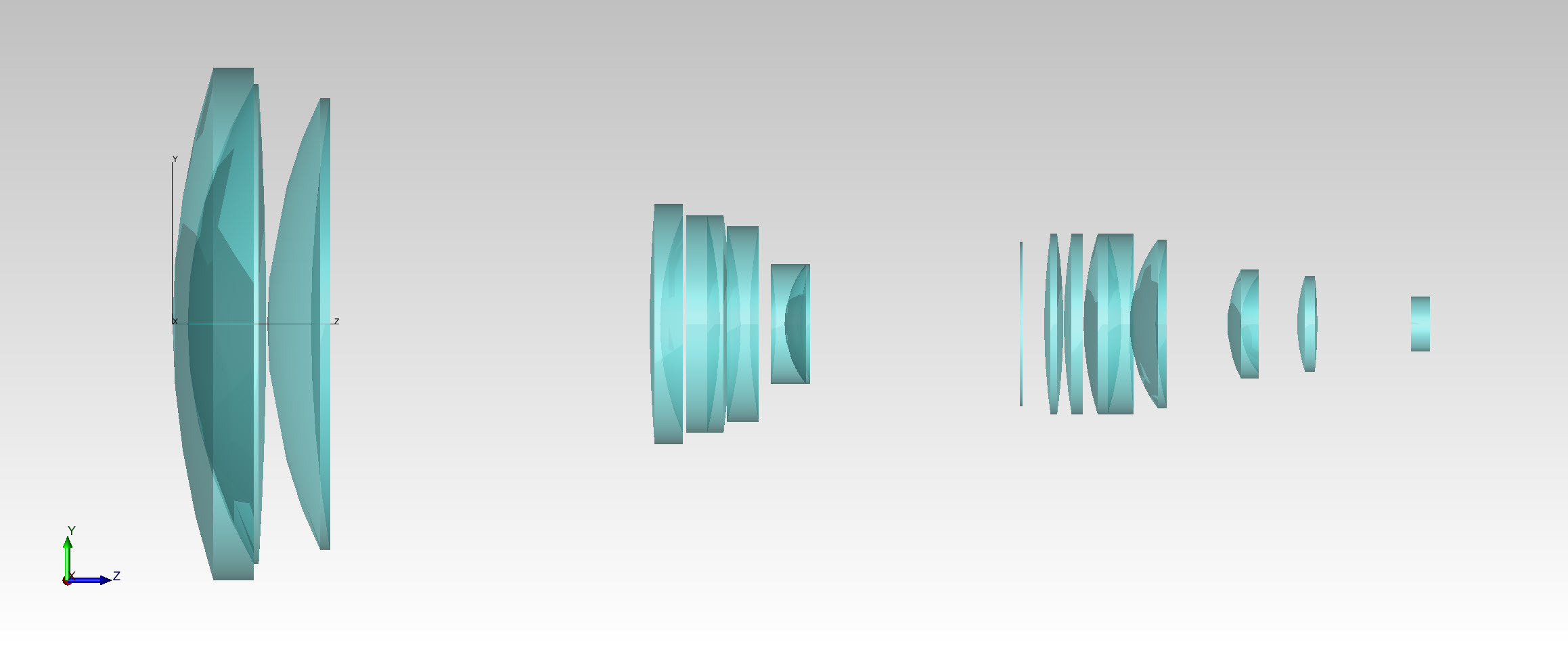
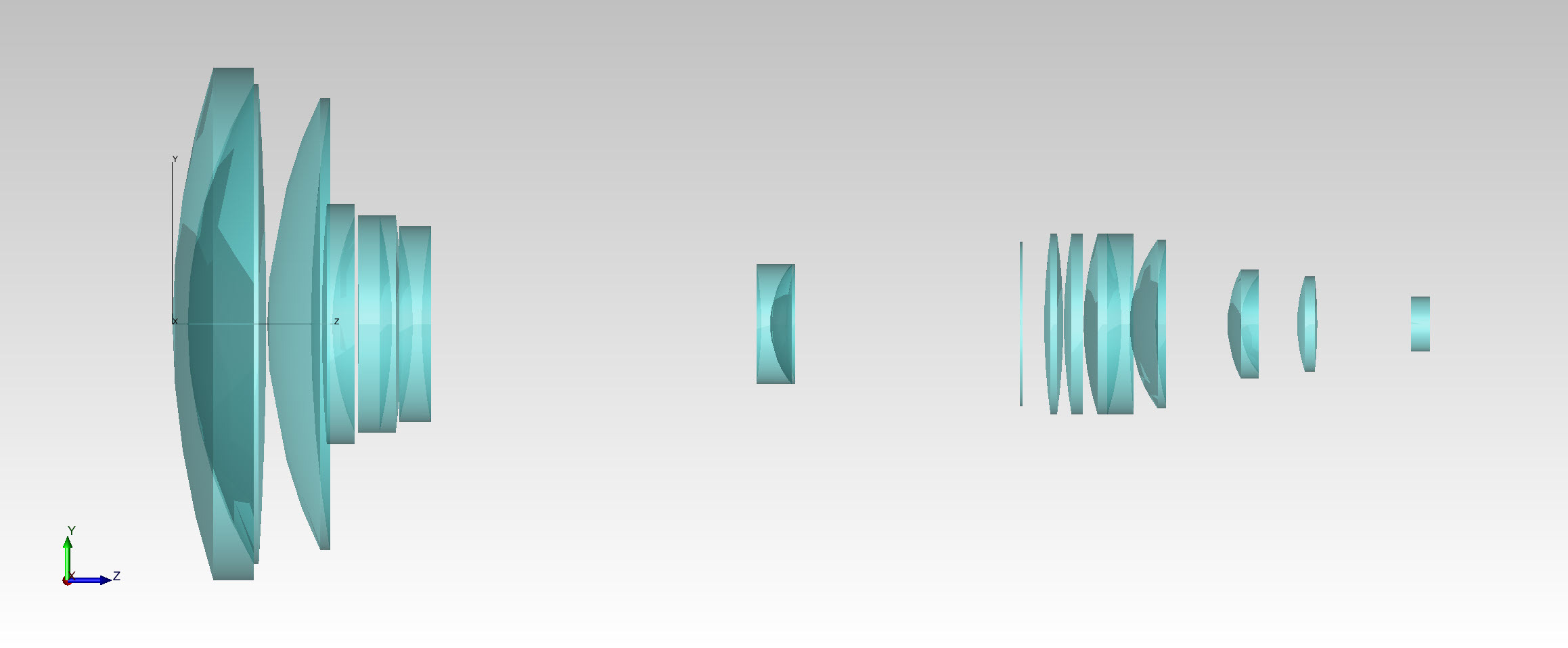
TracePro will not import proprietary file formats though, such as blackbox files. If there is a problem with the imported file, such as a material property that is not available in the TracePro property database, TracePro will let you know in the Message/Macro window.
TracePro lets you import lens designs from different lens design programs, allowing you to work with your existing and legacy lens designs in TracePro, giving you flexibility as well as saving time and money.