
Did you know it is easy to export models to TracePro from SOLIDWORKS using RayViz and to update the TracePro model if changes are made to the SOLIDWORKS model?
RayViz is an Add-In for SOLIDWORKS that allows users to apply optical properties to models and run raytraces directly in SOLIDWORKS. RayViz also allows users to export models from SOLIDOWORKS in a TracePro .OML file format. The optical properties are saved as part of the TracePro .OML file. The .OML file can be opened in TracePro and the raytrace run immediately. The position of the parts and assemblies will be preserved in TracePro. This makes performing a full analysis in TracePro of a system designed in SOLIDWORKS quick and seamless.
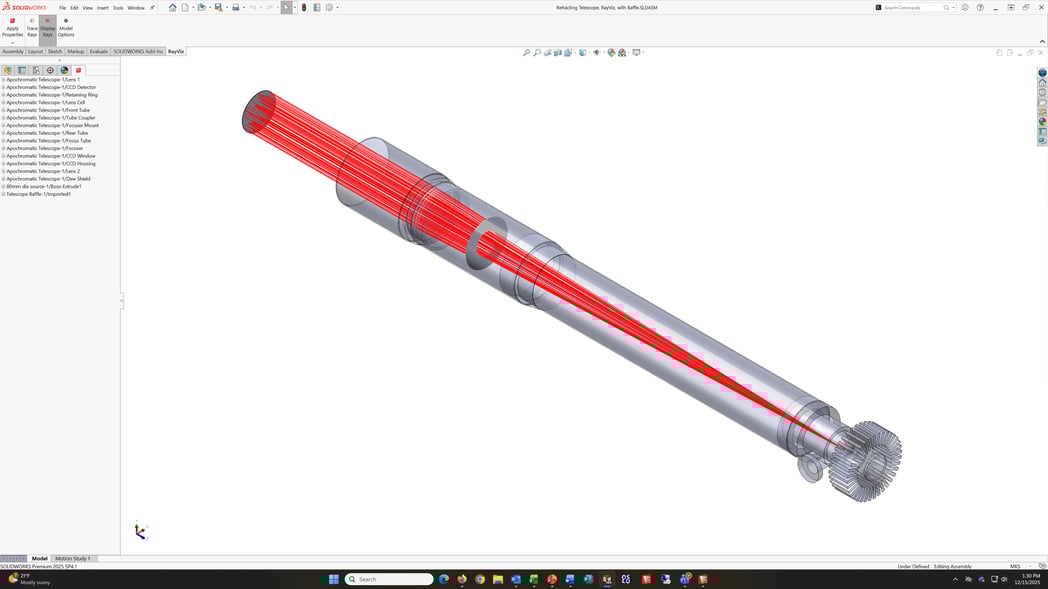
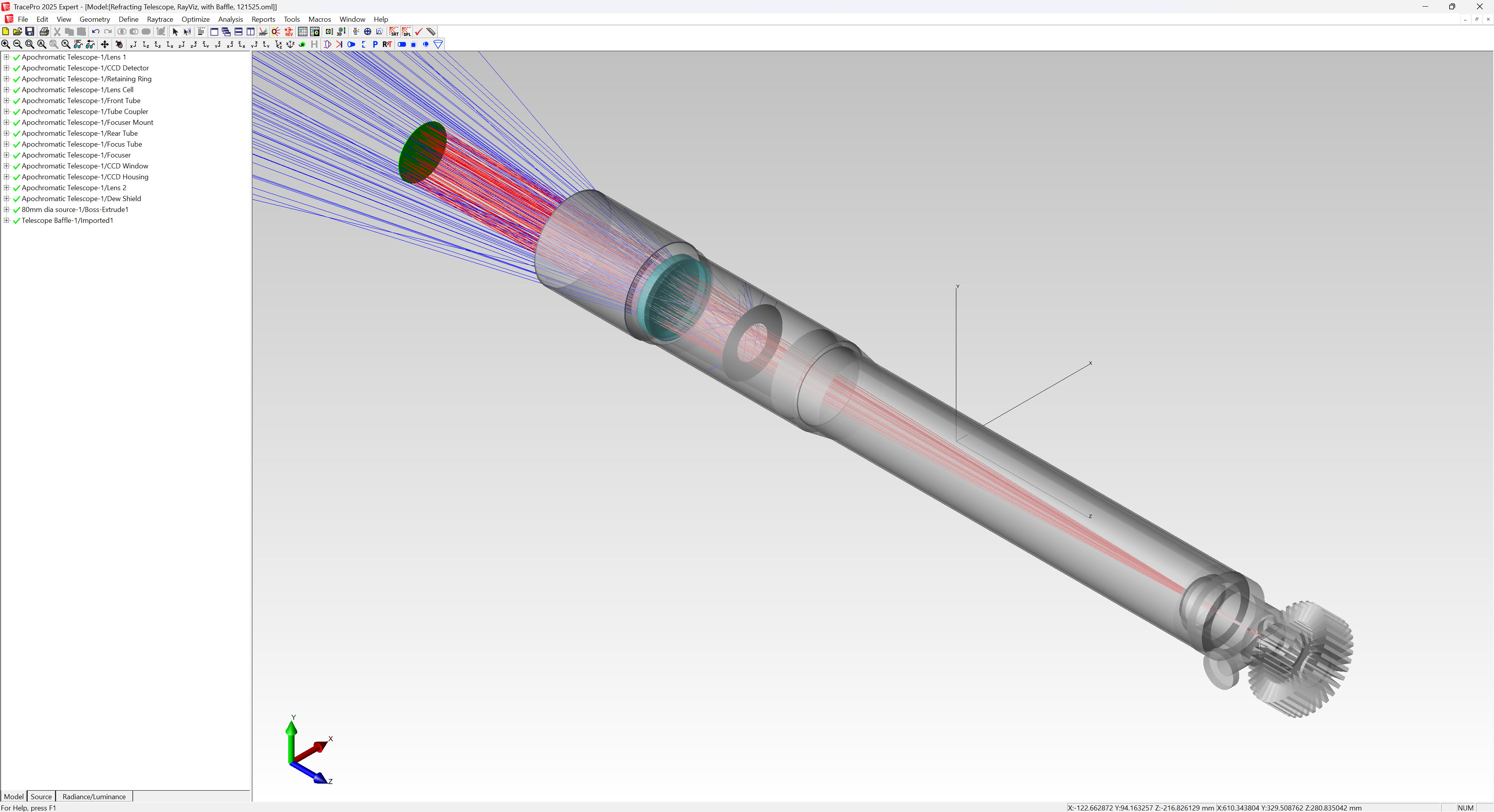
If the SOLIDWORKS model is updated, such as changing or modifying one of the parts, or the location of a part in the assembly, the TracePro model can easily be updated by saving the model as a TracePro .OML file in SOLIDWORKS and then using the Update from RayViz option in the Geometry menu in TracePro.
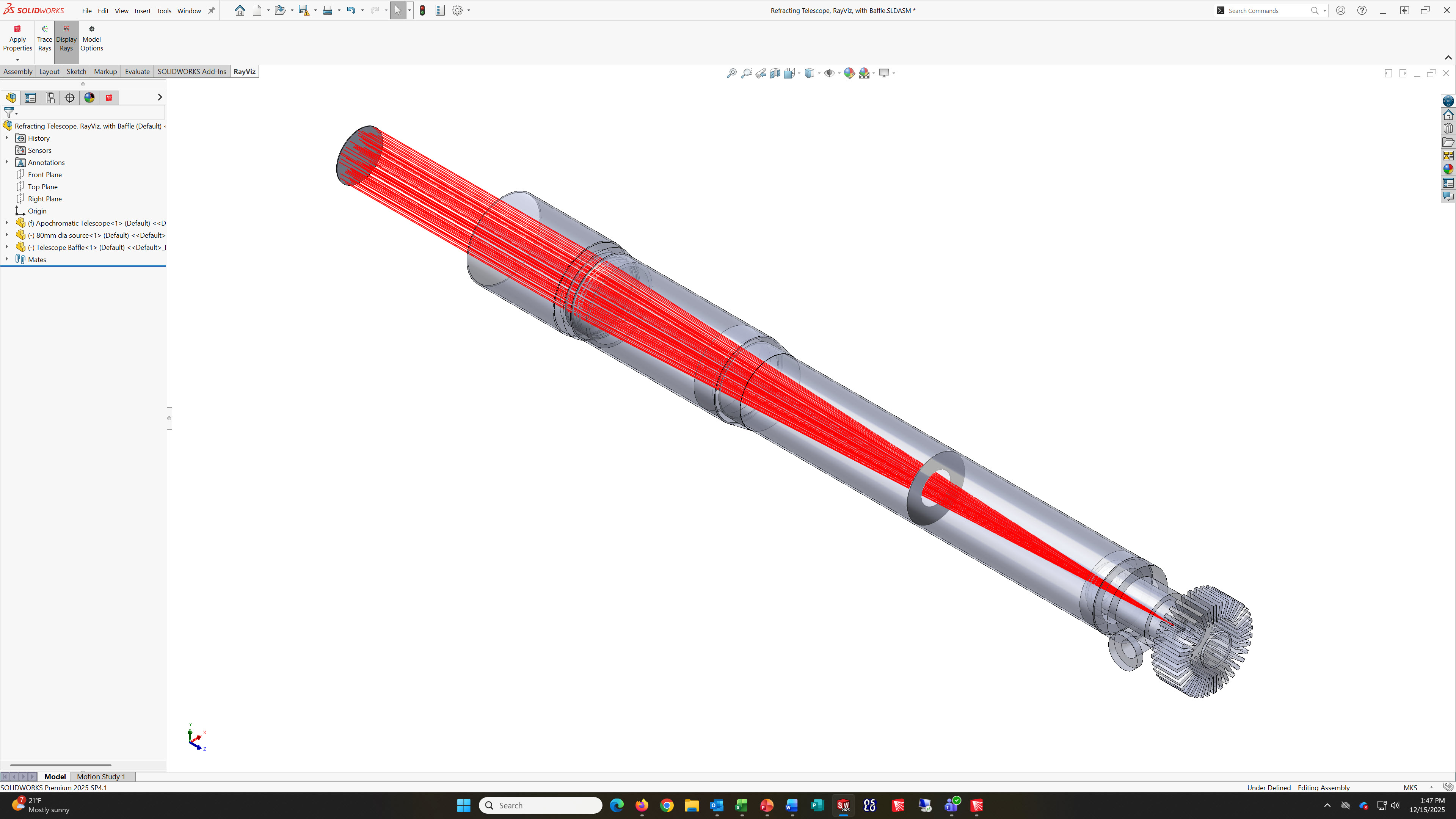
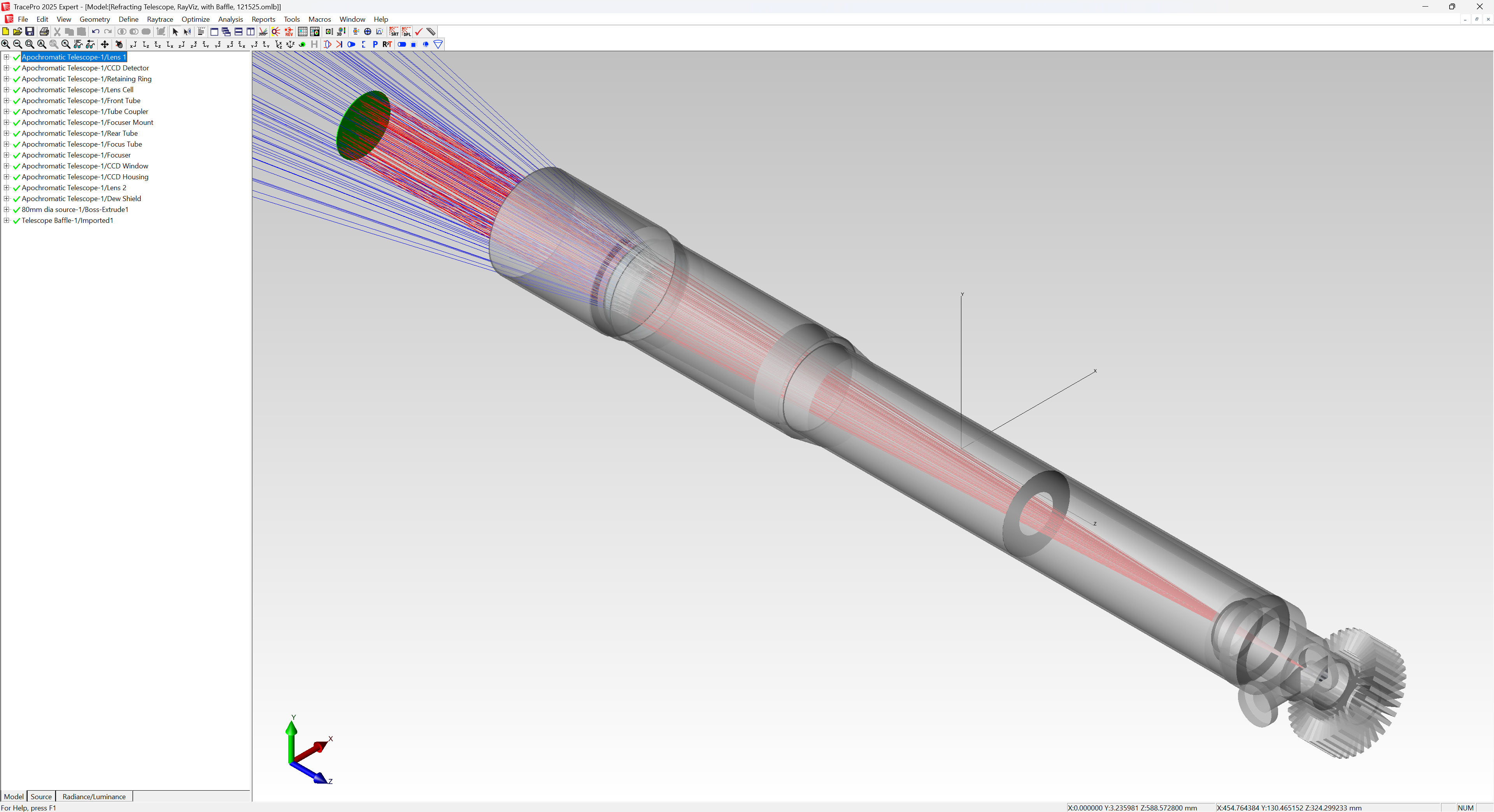
TracePro models can quickly and easily be exported and updated from SOLIDWORKS using RayViz.