
Did you know TracePro has a Groups feature that allows users to group objects together in a compact and efficient manner?
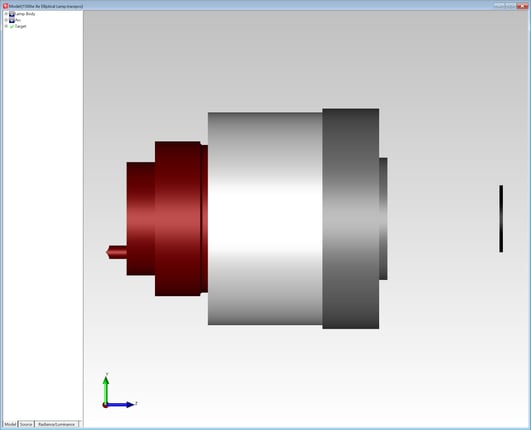
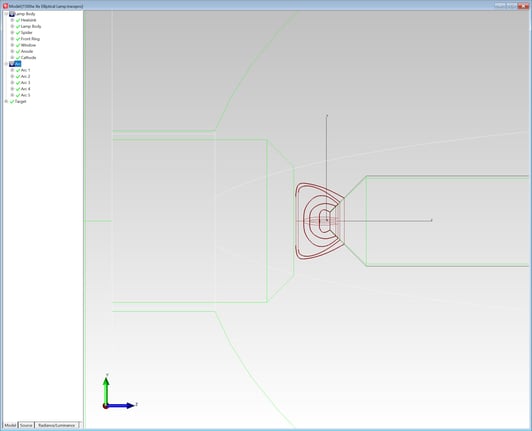
Groups are shown in the Model Tree in TracePro. Users can easily add and delete groups at any time. Groups can also be named and renamed. Once a Group is created, objects can be added to the Group using the Drop/Drag capability in TracePro. Objects can also be moved out of the Group.
 .
. 
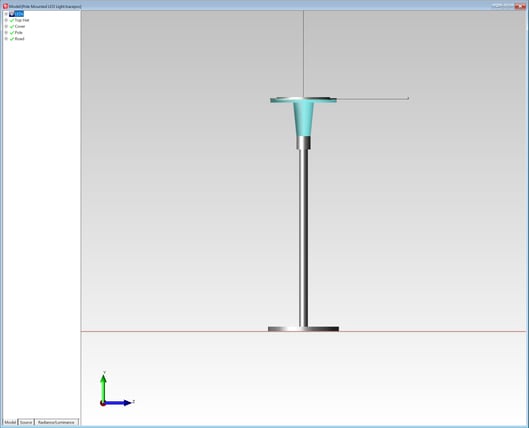
Groups can be useful when there are a large number of objects in a model, for example a luminaire may have hundreds of individual LEDs. The LEDs could be placed in a single group named LEDs. The Group can then be collapsed, making for a shorter, more compact model tree.
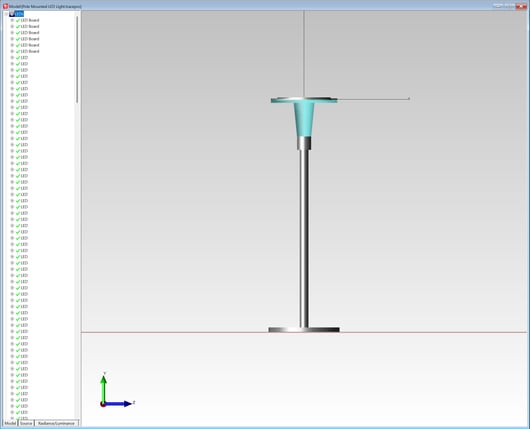
Placing objects in Groups also allows the user to move and rotate all of the objects in the Group by moving or rotating the Group.
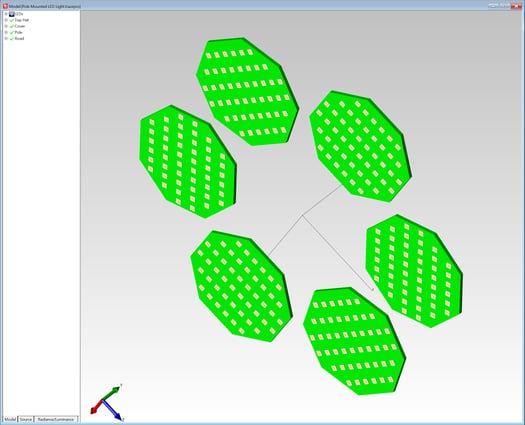
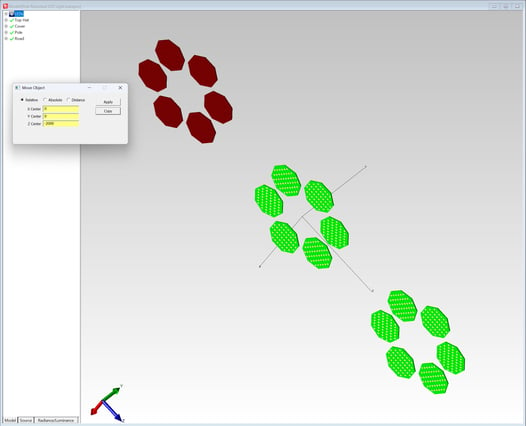
The TracePro Groups give users a convenient way of organizing objects in the Model Tree allowing for a more compact Model Tree and easier manipulation of the objects in the Group.